


Hey there, fellow crochet enthusiasts! Are you ready to get your crochet projects organized like a boss without any fuss?
Well, hold on tight because I’ve got some exciting news for you! I’ve put together some St. Patrick’s Day-themed crochet planners and checklists that are absolutely free, and require no email sign-ups (caution-you are going to want to sign-up after you see all the fun stuff i have), or any other strings attached. Just click and download.
As a crochet lover myself, I know how frustrating it can be to keep track of all your, WIPs, and new project ideas. That’s why I created these planners and checklists to help keep us all on track and stress-free.
So, grab a cup of your favourite green tea, and let’s get ready to march into the world of crochet organization together!
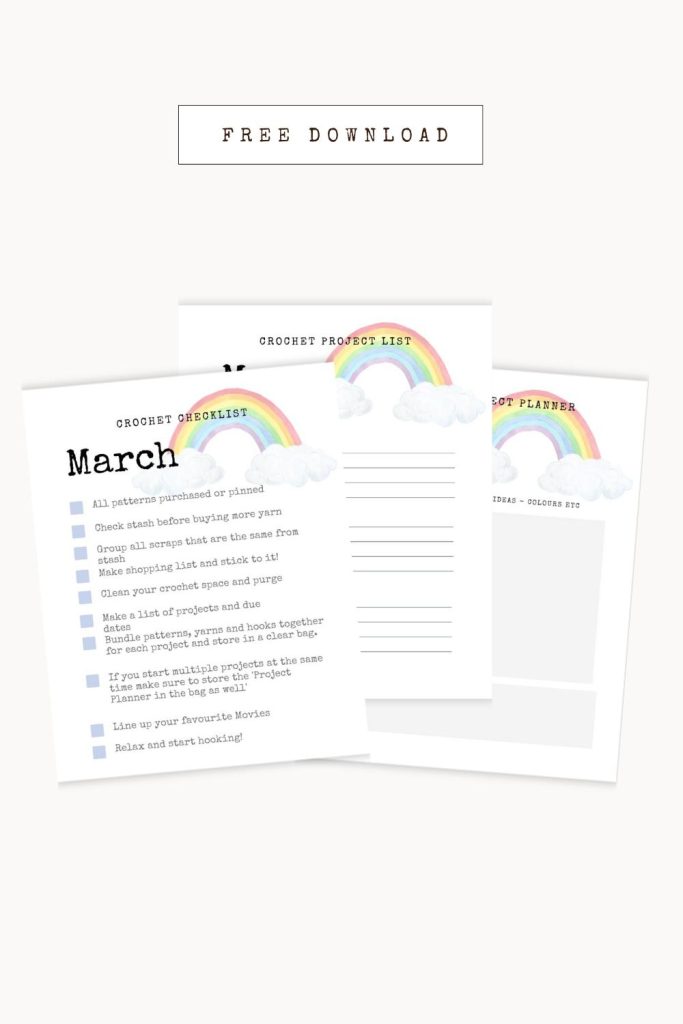
Crochet Checklist
Do you ever find yourself knee-deep in a crochet project only to realize you’re missing a crucial supply or tool? Or do you ever go on a crochet-related shopping spree only to forget what you actually needed?
Fear not, my fellow crocheters, because I’ve got just the thing to help you stay organized and on track! My crochet checklist is the perfect tool for keeping track of all the items you need for your next crochet project.
Whether it’s checking your stash, making a shopping list, or lining up movies to watch while you crochet, this checklist will ensure you don’t forget a single thing. With this handy tool at your fingertips, you’ll be able to breeze through your crochet projects with ease, and have more time for the things you love!
Crochet Project List
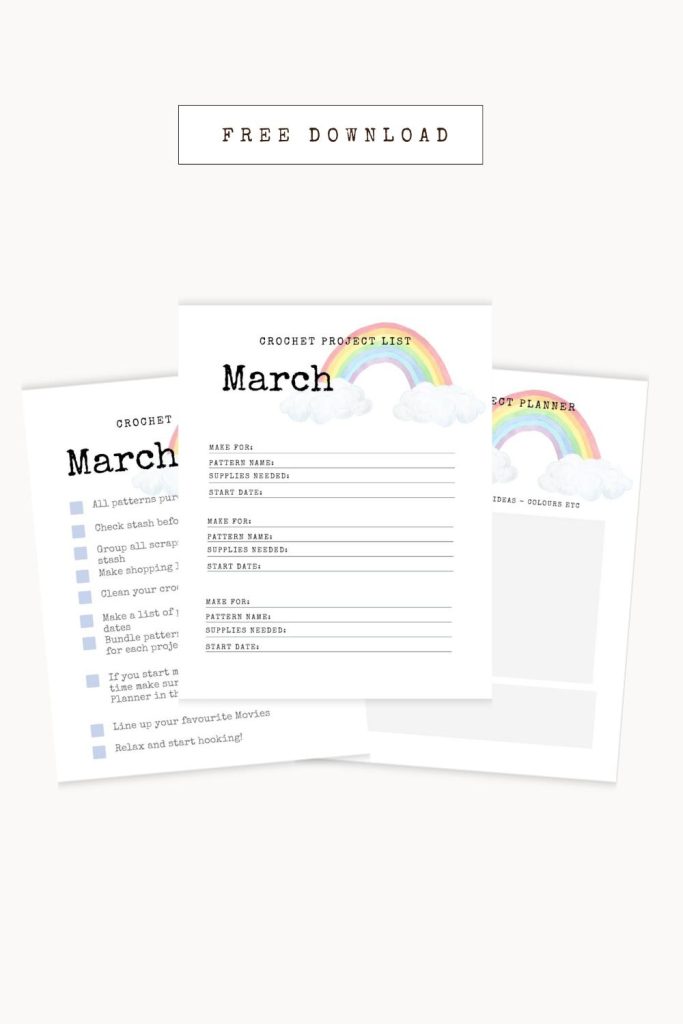
March is the perfect month to get your crochet game on and create some fun and festive projects for the upcoming spring season! And to help you keep track of all your brilliant ideas, I’ve created a crochet project list that’s tailored specifically for the month of March.
With this list, you’ll be able to jot down all the patterns, yarns, and supplies you need for your favourite projects, from cozy blankets and scarves to adorable crochet dishcloths and cute accessories. You’ll be able to see in a glance what you have coming up for the month ahead.
So grab a cozy spot on your couch, your favourite cup of tea, and let’s get crocheting! With this project list, you’ll be able to plan, create, and conquer all your crochet goals for the month of March!
Most Helpful
Crochet Resources
PLEASE NOTE THAT THIS POST CONTAINS AFFILIATE LINKS – Read more
Crochet Project Planner
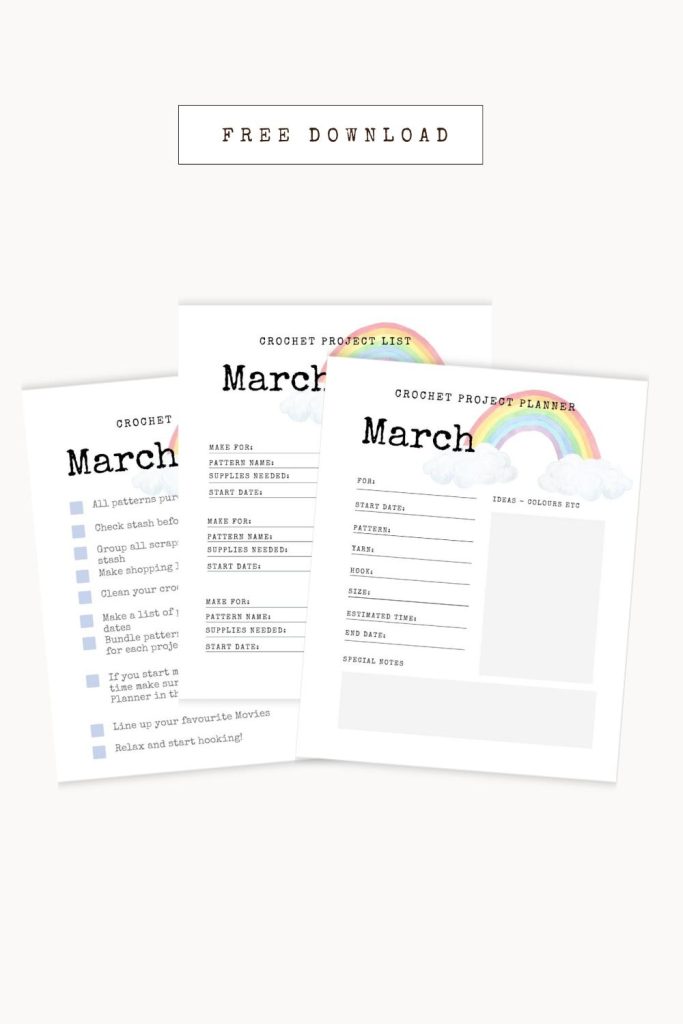
If you’re someone who loves to get deep into the details of your crochet projects, then my crochet project list for the month of March is just the tool you need!
This list is designed to help you keep track of all the specifics of your project, from the size of the hook you’re using to the number of rows you’ve completed. It’s the perfect way to stay organized and focused while you work on a particular project. You can even use it to keep notes on any adjustments or changes you make along the way.
So, whether you’re a seasoned crocheter or just starting out, this project list is a valuable tool that will help you create beautiful and unique projects with ease!
I hope you found these St. Patrick’s Day-themed crochet planners and checklists as helpful as I do! Organizing your crochet projects has never been so easy and stress-free. And the best part? They’re absolutely free and require no email sign-ups or downloads.
So, don’t hesitate to share this post with your fellow crochet enthusiasts on social media and tag me @prettydarnadorable. I can’t wait to see what amazing creations you’ll come up with using these planners and checklists. Keep on crocheting, my friends!
How to download and print the pdf
- Click on the link to the PDF. A new window should pop up with the document.
- In the upper right corner of the new window, click on the download icon (the downward arrow). The PDF will now download onto your computer.
- Once it has downloaded, open up the document. Depending on what program you have to open PDFs, you may have to double-click on it or right-click and then select “Open with…”
- Once open, go to File in the top left corner of your screen and click Print (or press Command + P on a Mac).
- Select your printer and make sure you are using the correct paper size.
- On the left side, under Page Sizing and Handling, click on Fit to Printable Area.
- Make sure that Scale to Fit is checked and click on Print.
